Fix blurry photos in seconds. Our AI removes blur, sharpens details, and makes fuzzy, pixelated, and low-quality pictures clear automatically — get the free app, no Photoshop needed.


We sharpen detail and remove blur while keeping the photo looking natural, not over-processed.
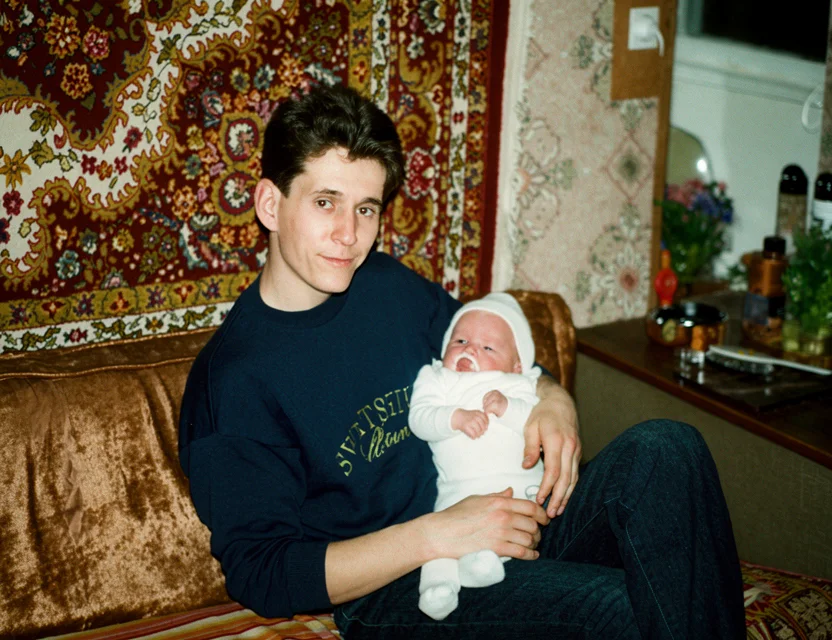 After
After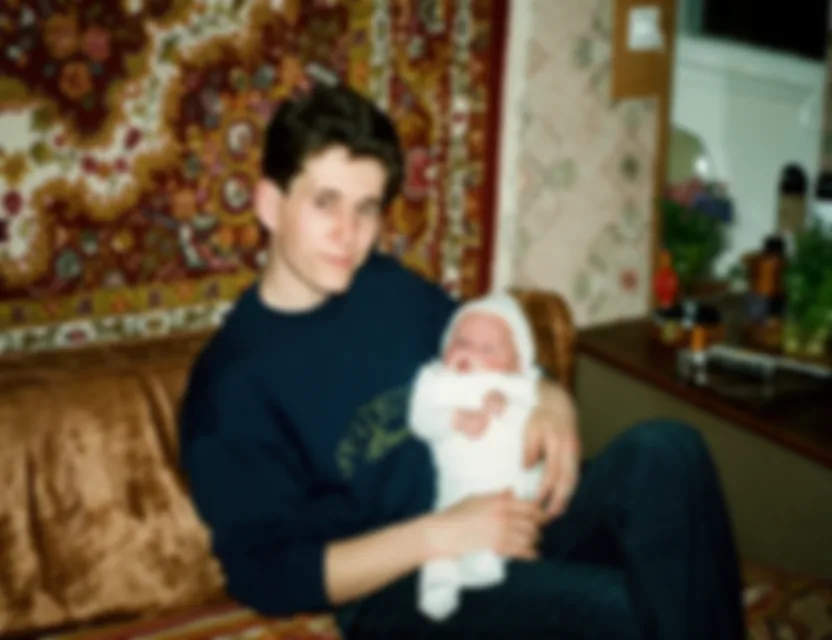 Before
Not all blur is the same, and the AI handles each kind differently — that’s why it beats a simple sharpen slider:
Missed-focus shots are reconstructed with new edge detail, not just contrast tricks.
Camera-shake and subject-movement streaks are reversed to recover a steady image.
Blocky, low-resolution images are rebuilt into smooth, detailed pictures.
High-ISO grain and compression noise are cleaned without plastic-looking smoothing.
Faces get dedicated reconstruction so people stay natural and recognizable.
Photos of old prints that came out soft are sharpened along with damage repair.
Soft, out-of-focus, and motion-blurred photos are deblurred and sharpened for crisp, clear results.
Pixelated, fuzzy, and grainy images are cleaned up and made clear without harsh artifacts.
Blurry faces are sharpened and enhanced while keeping each person looking natural and recognizable.
No editing skills needed — just download the app, open a blurry photo, and get a clear result in seconds.
A traditional sharpen filter can only boost the contrast of edges that are already visible — it can’t bring back detail that blur destroyed. AI deblurring is different: a model trained on millions of sharp-and-blurred photo pairs learns what real detail looks like behind each type of blur.
When you open a blurry photo, the AI estimates how the image was degraded — soft focus, motion streak, pixelation, or noise — and reconstructs the underlying detail: edges, textures, hair, and letters become defined again instead of just more contrasty.
Faces are handled by a dedicated face-restoration step that knows facial structure, so eyes, eyebrows, and mouths come back sharp and natural. The goal is a photo that looks like it was taken in focus — not an over-processed, artificially crisp version.
Photograph your old print with your phone
Fine-tune the detected edges if needed
Get your restored photo in seconds
| What it takes | WowPhoto AI app | Photoshop or a paid service |
|---|---|---|
| Recovered detail | Reconstructs detail lost to blur | Sharpening only boosts existing edges |
| Time per photo | Seconds, automatic | Manual deconvolution is slow and fiddly |
| Skills needed | None — open the photo | Photoshop Smart Sharpen / deconvolution expertise |
| Cost | First photo free | Paid software or per-photo retouching |
Download the app, open your blurry photo, and the AI automatically removes blur and sharpens details in seconds — no manual editing.
Yes — you can download the app and fix your first blurry photo for free.
The AI improves clarity on most blurry, fuzzy, and pixelated photos. Results are best on mildly to moderately blurred images — severely blurred photos may not fully recover lost detail.
Yes. Pixelated, grainy, and noisy low-quality photos are cleaned up and made clearer along with deblurring.
Yes — our free app unblurs and sharpens photos right on your phone, with no Photoshop or computer needed.
Yes — faces are intelligently sharpened and enhanced while preserving how each person really looks.
Yes — motion blur is one of the degradations the model is trained to reverse. Mild to moderate shake recovers well; extreme streaking may not fully disappear, but the photo still comes back much clearer.
Sharpening raises contrast on edges that are still visible, which makes a blurry photo look harsher, not clearer. AI unblurring reconstructs the detail the blur destroyed, so edges, textures, and faces genuinely come back.
Yes — any image in your gallery works, including compressed screenshots, messenger downloads, and photos of prints. Compression artifacts are cleaned along with the blur.
Photos are uploaded over an encrypted connection and processed only to create your restoration. We never post your pictures publicly, never use them for advertising, and a result is shared only if you choose to share it. Restorations live in your personal in-app gallery, and you stay in control of every photo.
Download the app and get your first restoration for free.