Fix torn, creased, and water-damaged photos in seconds. Our AI reconstructs missing pieces, repairs tears and stains, and brings badly damaged pictures back — no Photoshop or editing skills needed.


Photo repair that rebuilds what damage destroyed while keeping the original picture authentic.
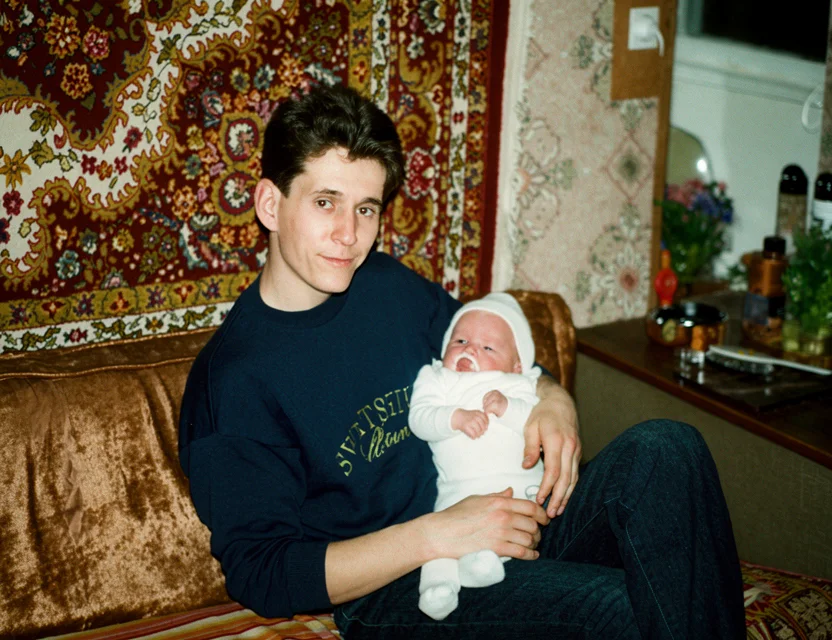 After
After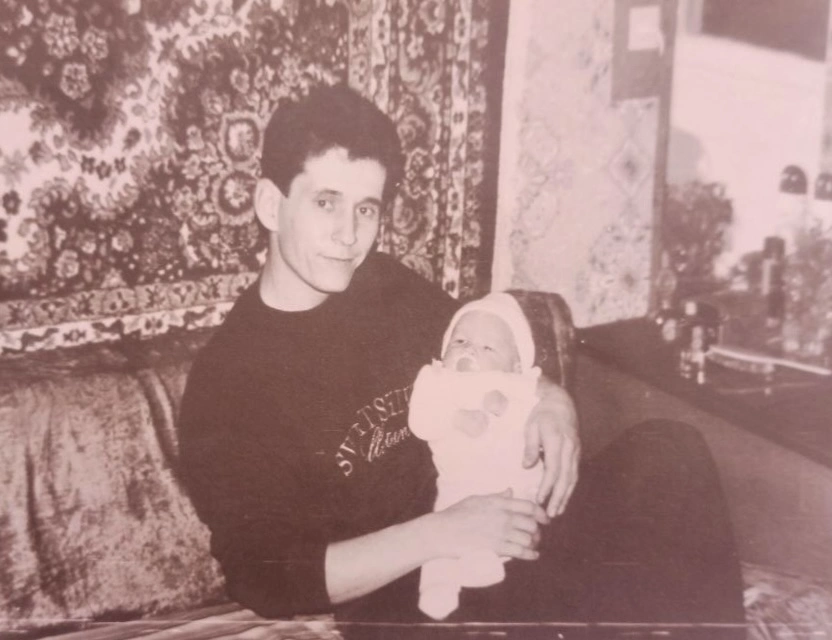 Before
From a crack to a missing corner — the model was trained on the full range of real-world print damage:
Torn photos are seamlessly rejoined, and detail along the tear is rebuilt.
Small missing areas are reconstructed from the surrounding scene.
Tide marks, blotches, and color bleeding from moisture are corrected.
Wallet folds and album creases vanish, including across faces.
Foxing, adhesive stains, and mold speckle are cleaned away.
Age fading and yellowing are fixed in the same pass as physical repair.
Torn and ripped photos are reconstructed — the AI rebuilds the missing strip along the tear.
Water marks, tide lines, and mold spots are removed and the colors underneath recovered.
Crease lines and fold marks disappear while the detail they crossed is restored.
Snap the damaged print with your phone — the repair happens automatically in seconds.
Repairing a damaged photo has two parts: recognizing what is damage, and knowing what should be there instead. The AI does both — a detection model maps tears, stains, creases, and missing areas, and a reconstruction model fills them with detail consistent with the rest of the picture.
Trained on millions of damaged-and-clean photo pairs, the model has learned how tears cut through faces, how water stains spread, and how creases catch the light — and what the undamaged photo underneath looked like. That lets it rebuild a missing corner of sky, a torn sleeve, or a stained background convincingly.
Faces receive dedicated reconstruction: a tear or crease across a face is repaired with facial structure in mind, so the person stays natural and recognizable. Severe damage — say, half a face missing — cannot be truly recovered by any tool, but typical tears, stains, and creases repair cleanly in seconds.
Photograph your old print with your phone
Fine-tune the detected edges if needed
Get your restored photo in seconds
| What it takes | WowPhoto AI app | Photoshop or a paid service |
|---|---|---|
| Turnaround | Seconds per photo | Days to weeks at a restoration service |
| Cost | First repair free | Per-photo fees, higher for heavy damage |
| Shipping originals | Never — photograph the print at home | Mailing fragile originals or scanning at a shop |
| Skills needed | None | Professional retoucher does it for you |
Photograph the torn print with the app — the AI rejoins the pieces visually, rebuilds detail along the tear, and removes the tear line. For a photo torn fully in half, lay the halves together before snapping.
Yes — water marks, tide lines, and blotches are removed, and the AI recovers the color and detail underneath. Photos where the emulsion fully dissolved can only be partially reconstructed.
Your first repair is free — try it on your most important photo and judge the result before paying anything.
Small missing areas — a torn corner, a hole — are filled with detail matching the surrounding scene. Large missing regions with unique content (like most of a person) cannot be truthfully invented by any tool.
Yes — repaired areas copy the texture, grain, and lighting of the photo around them, so the fix is invisible. The rest of the picture is left untouched.
No — point your phone camera at the print and the app crops and flattens it automatically. If you already have a scan, pick it from your gallery instead.
Photos are uploaded over an encrypted connection and processed only to create your restoration. We never post your pictures publicly, never use them for advertising, and a result is shared only if you choose to share it. Restorations live in your personal in-app gallery, and you stay in control of every photo.
Download the app and get your first restoration for free.