Enhance photo quality in seconds. Our AI photo enhancer sharpens details, fixes lighting and color, and turns blurry, low-resolution pictures into clear, high-quality images automatically — free, no Photoshop or editing skills needed.


AI photo enhancement that boosts clarity and quality while keeping the picture looking natural, not over-processed.
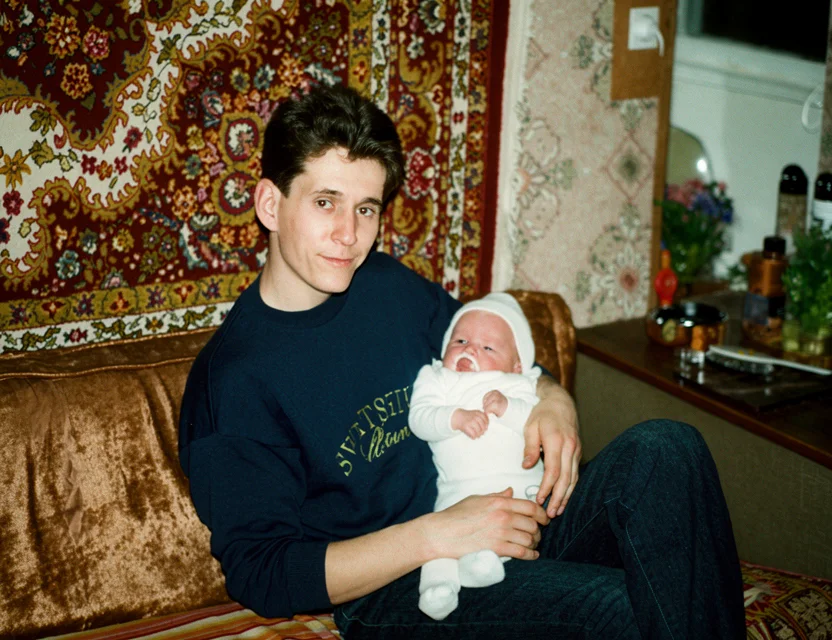 After
After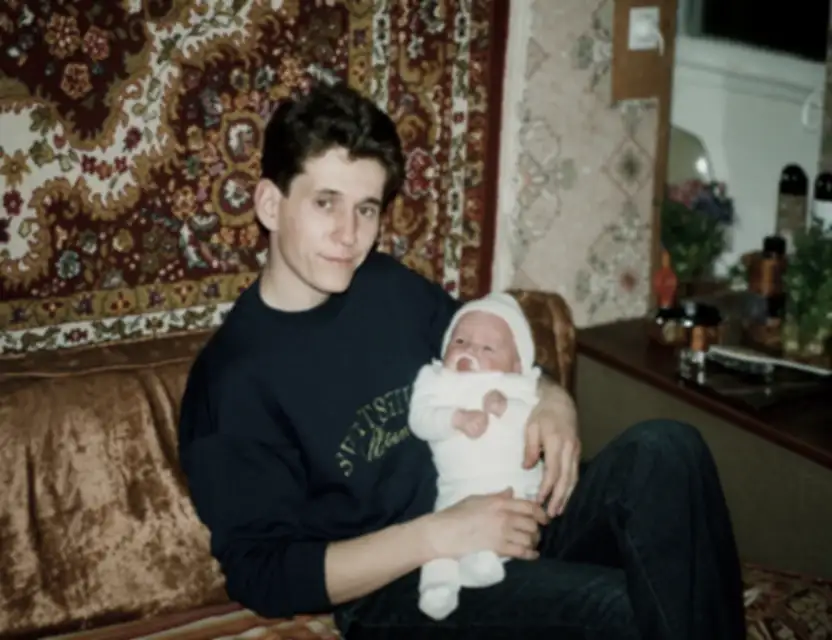 Before
Photo enhancement combines several corrections that would each be a separate manual edit:
Soft details are reconstructed so the whole image reads crisp and defined.
Small, low-res pictures are upscaled with real added detail, ready for print.
Washed-out colors and flat contrast are rebalanced to look natural, not filtered.
Faces are enhanced separately so people look sharp but still like themselves.
Grain, compression blocks, and banding are removed cleanly.
Photos of aging prints get damage repair together with the quality boost.
Low-resolution, soft, and pixelated photos are enhanced into sharper, higher-quality images with more detail.
Blurry edges, textures, and fine details are intelligently sharpened for a crisp, clear result.
Faces are enhanced and sharpened while keeping each person looking natural and recognizable.
No editing skills required — just upload a photo and get an enhanced, higher-quality result in seconds.
The enhancer runs your photo through a restoration model that has learned, from millions of image pairs, how a degraded photo maps to its high-quality version. Instead of applying one global filter, it analyzes the image region by region and fixes what each region actually needs.
Blurred edges are re-drawn, noisy areas are cleaned, dull colors are rebalanced, and the whole image is upscaled with generated detail that matches the scene. A dedicated face-enhancement step reconstructs facial detail with extra care, because faces are where over-processing is most visible.
The result is a natural high-quality photo — not the over-sharpened, over-saturated look of one-tap filters. You can compare before and after side by side and save only if you like the result.
Photograph your old print with your phone
Fine-tune the detected edges if needed
Get your restored photo in seconds
| What it takes | WowPhoto AI app | Photoshop or a paid service |
|---|---|---|
| What gets fixed | Sharpness, resolution, color, noise, faces — in one pass | Each correction is a separate manual edit |
| Time per photo | Seconds | 15–60 minutes of skilled editing |
| Skills needed | None | Photoshop / Lightroom experience |
| Cost | First photo free | Software subscription or per-photo retouching |
An AI photo enhancer improves the quality of a picture automatically — it sharpens details, boosts resolution, fixes color and lighting, and enhances faces, all without manual editing.
Yes — you can download the app and enhance your first photo for free.
The AI increases sharpness and detail to make photos look higher quality and closer to HD. Results are best on low-to-moderate quality images; extremely small or damaged photos have less detail to recover.
Yes. Blurry, soft, pixelated, and low-resolution photos are sharpened and enhanced into clearer, higher-quality images.
Not at all. Everything is automatic — no Photoshop, no manual retouching, and no technical knowledge needed.
Yes — our free app enhances photo quality right on your phone, with no Photoshop or computer needed.
Yes — the model is tuned to keep results realistic: no plastic skin, no neon colors. Faces are enhanced with a dedicated step that preserves how each person actually looks.
Yes, exposure and contrast are corrected as part of enhancement. Very dark shots recover visibly, though detail that was never captured can only be partially reconstructed.
Yes — photograph the print with the app and it will repair age damage (scratches, fading) and enhance quality in the same pass. That combination is exactly what WowPhoto was built for.
Photos are uploaded over an encrypted connection and processed only to create your restoration. We never post your pictures publicly, never use them for advertising, and a result is shared only if you choose to share it. Restorations live in your personal in-app gallery, and you stay in control of every photo.
Download the app and get your first restoration for free.